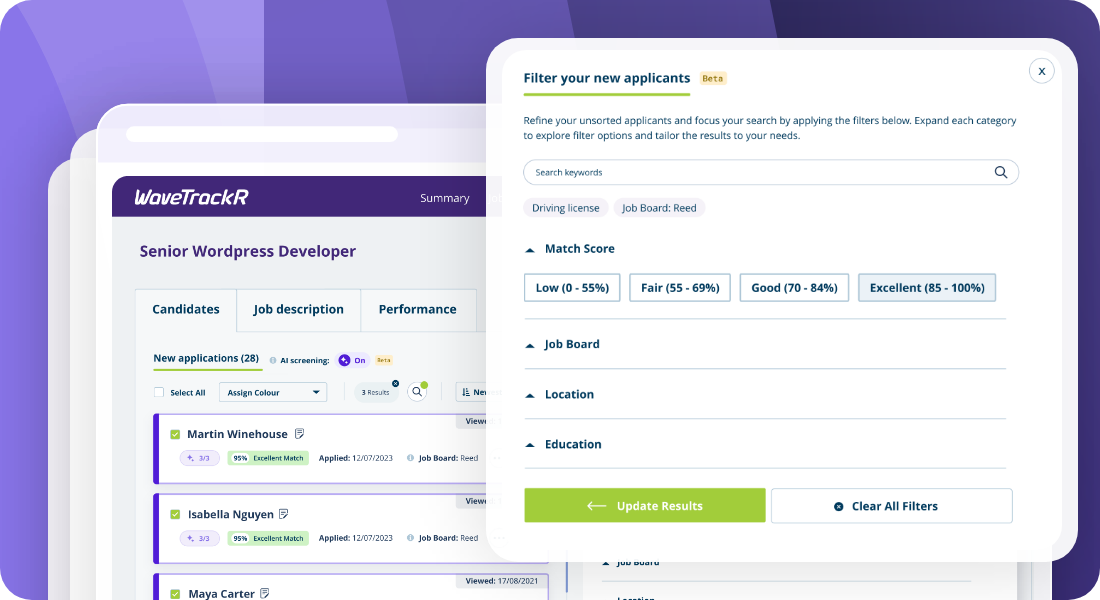
- Start with a clear picture of what “good” looks like
- Use Match Score as your early indicator of applicant quality
- Keep keywords focused and purposeful
- Use Job Board filtering to understand quality at source
- Apply Location where distance truly affects suitability
- Use Education filters only when the qualification is essential
- Layer filters to build a clearer, more accurate applicant shortlist
- Review your active filters as you go
- Use the same search approach for new and sorted candidates
Searching candidates in WaveTrackR isn’t about scrolling endlessly or digging through your entire system. It’s about refining the applicants for each individual job so you can quickly identify the people who are truly relevant.
When used with intention, WaveTrackR’s search and filtering tools help you build stronger shortlists, improve your applicant relevance, and streamline your recruitment workflow.
These best practices will help you get consistently reliable results from WaveTrackR’s search and filtering features.
Start with a clear picture of what “good” looks like
Every search happens at job level, so clarity matters. Before applying filters, have a good sense of the key skills, qualifications, or experience this particular role requires. When you approach search with that clarity, your shortlist becomes sharper and far more aligned.
This isn’t about rigid criteria; it’s about giving WaveTrackR the right signals to surface the best applicants.
Use Match Score as your early indicator of applicant quality
WaveTrackR’s Match Score is an effective way to prioritise your list before you dive into individual CVs.
For most roles:
- Start with Excellent and Good to find the candidates who best align with your job requirements
- Expand into Fair or Low when working with niche roles or small talent pools
Match Score is especially helpful when managing high-volume roles, cutting down on admin while keeping quality high.
Keep keywords focused and purposeful
Keywords help refine your applicant list further by highlighting specific details within CVs – licences, certifications, tools, industry terms and so on.
Recruiters get the best results when they:
- Use focused, relevant terms
- Avoid long strings of keywords
- Combine keywords with filters rather than relying on them alone
Think of keywords as a scalpel: precise, not wide-ranging.
Use Job Board filtering to understand quality at source
Filtering by Job Board isn’t just handy for applicant organisation. It’s a great way to understand job board performance and the quality of your sourcing.
Over time, patterns emerge:
- Some boards consistently deliver high-quality applicants
- Others are stronger for volume but weaker on match
- Certain industries favour certain job boards
These insights help refine your future posting decisions and strengthen your overall recruitment strategy.
You can pair this nicely with the information on the job performance tab or the Analytics Dashboard to get a complete view of your performance.
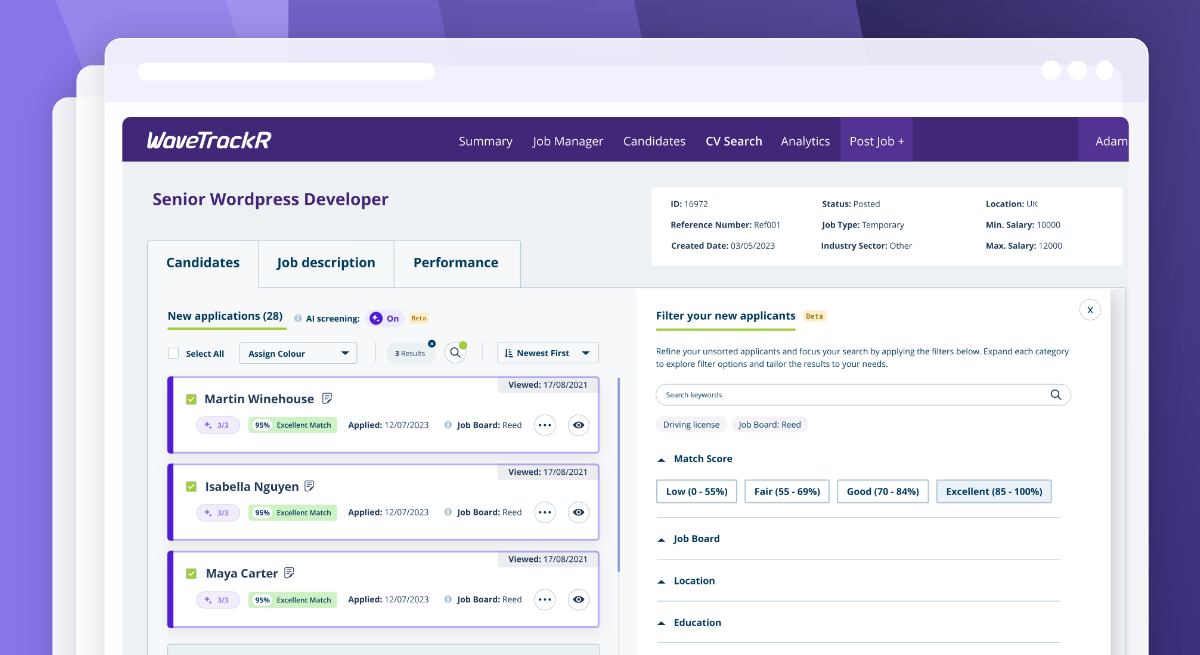
Apply Location where distance truly affects suitability
Location matters for many roles — especially those with fixed-site requirements or predictable patterns of work.
When distance is relevant, the Location filter helps you instantly narrow the list to people who can realistically take the job.
Start with what makes sense for the role and expand only if the talent pool is too small.
Use Education filters only when the qualification is essential
Not all roles need formal qualifications. When they do, the Education filter helps you tighten the search around applicants who meet that requirement.
The best practice here is simple: Use it when the qualification is truly tied to job performance. Skip it when experience matters more. This avoids unnecessary over-filtering.
Layer filters to build a clearer, more accurate applicant shortlist
WaveTrackR’s filtering tools deliver the best results when used together.
Because search is job-specific, your filters should reflect what “qualified” means for that role.
Some strong combinations:
- Driving licence + Excellent Match Score for logistics or delivery roles
- AAT Level 3 + Job Board filter for accounting positions
- Keywords for a specific software + Location for tech or engineering roles
Each layer trims your list with intention, helping you get to a reliable shortlist faster.
Just keep an eye on over-filtering. It’s easy to narrow things down too sharply.
Review your active filters as you go
If your search results feel unexpectedly narrow, it’s often because a previous filter is still active. Checking your applied filters ensures you’re viewing the full and accurate pool for the job.
A quick scan keeps your workflow smooth and your shortlist accurate.
Use the same search approach for new and sorted candidates
Whether you’re reviewing newly arrived applications or exploring candidates you’ve already sorted for the job, the same best practices apply:
- Prioritise through Match Score
- Use keywords to sharpen your view
- Layer filters intentionally
- Keep context job-specific
- Check what’s active
This consistency keeps your shortlisting process efficient across all your roles.
Searching in WaveTrackR isn’t about filtering endlessly. It’s about filtering intelligently. With the right balance of keywords, Match Score and targeted filters, you’ll save time, reduce admin, and improve the quality of your shortlists.
It’s one of the simplest ways to strengthen your recruitment outcomes using WaveTrackR’s application management tools.
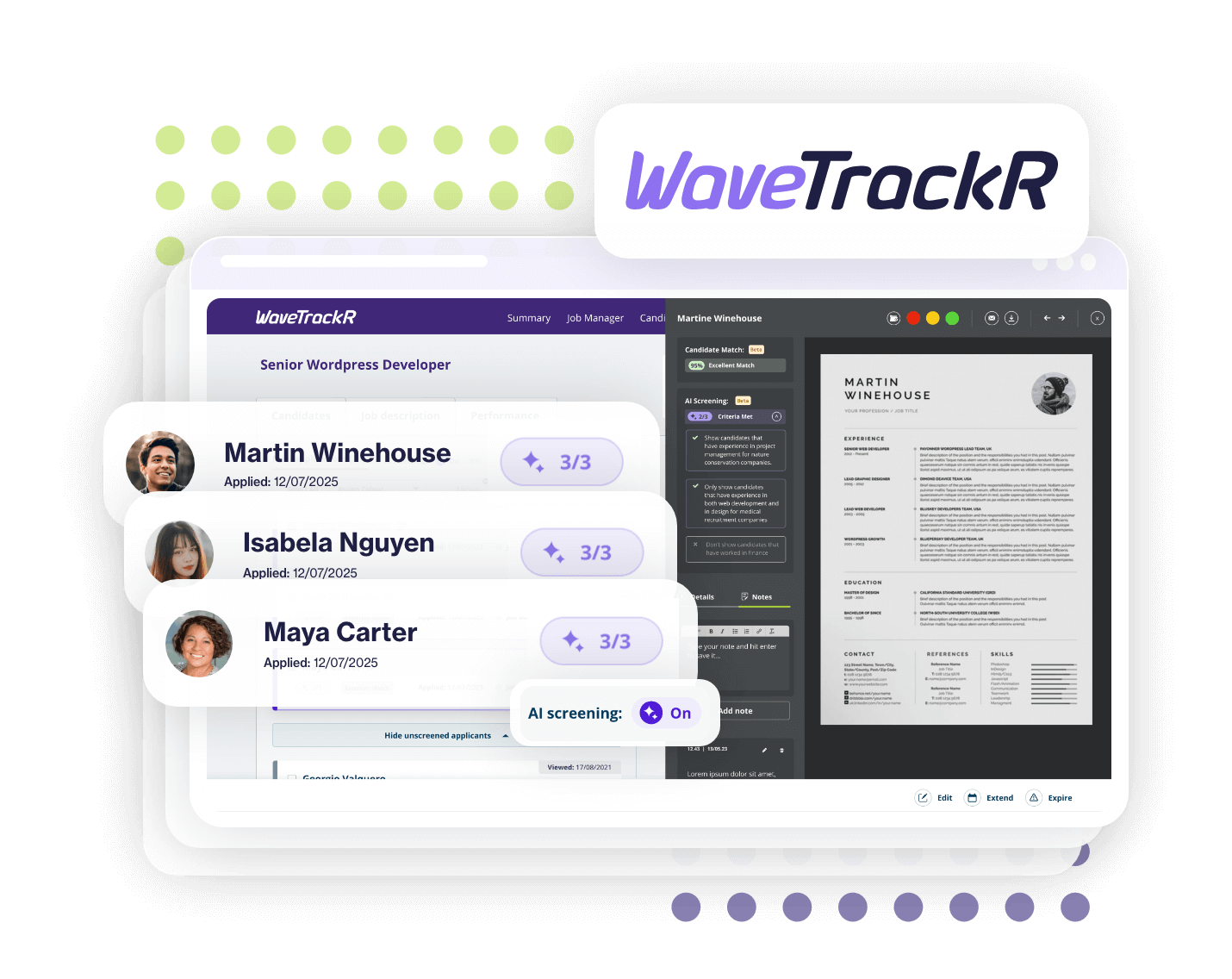
WaveTrackR helps you attract, screen and hire faster.
From job posting to shortlisting — get more done in one place.